 Casana®Redefining health at home
Set up the app.
It takes a few minutes. Install the seat first, and stay near it while you set up.
A few minutes5 steps
The short version. Tap More detail on any step.
Step 1: Get the Casana app
Search “Casana” in the App Store or Google Play, or use home.casanacare.com in Chrome on a laptop.
Step 2: Create your account
Sign in with Google, Apple or email, then complete your profile.
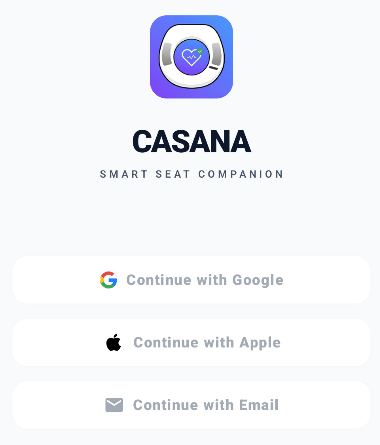
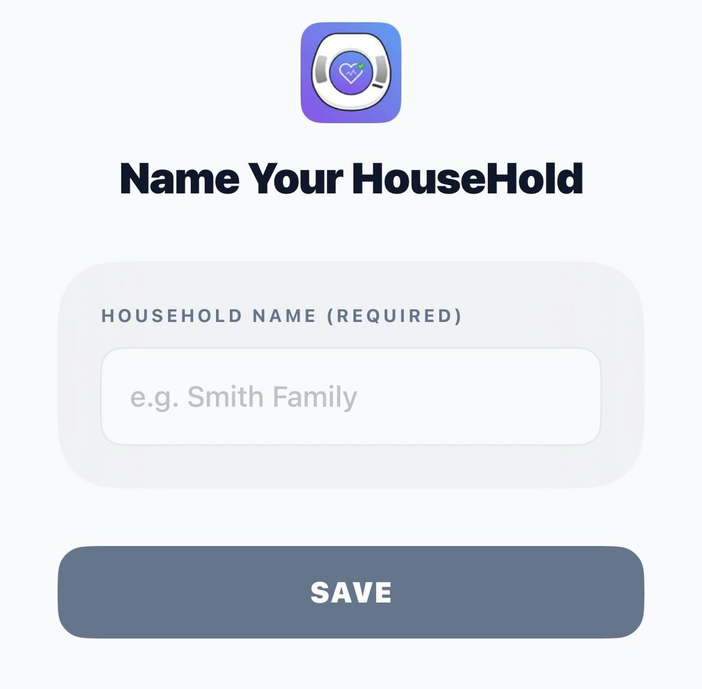
Step 3: Set up your household
Name your household and choose who will use the seat.
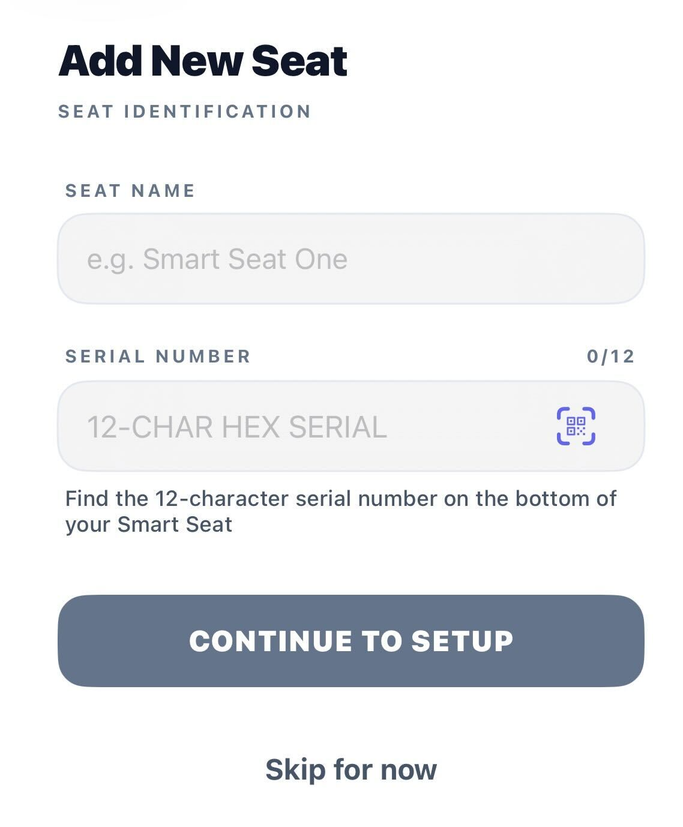
Step 4: Connect your seat
Name your seat, type or scan its serial number, and the app connects it to your Wi-Fi.
Step 5: Turn on notifications, if you like
Tap “Enable Notifications” for a gentle heads-up when new readings are ready.


Having trouble?
Need a hand?
The Casana Care Team is there Monday to Friday, 9am to 5pm Eastern.
Please Note: The Smart Seat is not intended for, and has not been tested on pregnant women, people under 18 years old, people under 90 lbs or greater than 350 lbs, people with persistent arrhythmias, or people with pacemakers. Please contact Casana if you have any questions about your use of the Smart Seat.